
Anúncios
- Imagine controlling your TV, air conditioner, sound system, and smart home devices directly from your smartphone. This isn’t science fiction—it’s today’s reality, accessible to everyone.
Gone are the days of juggling multiple remote controls or searching desperately between couch cushions. Your smartphone can now become the ultimate universal remote, simplifying your daily routine and bringing unprecedented convenience to your fingertips.

Whether you’re relaxing at home, hosting friends, or simply want to streamline your entertainment setup, transforming your phone into a remote control offers practical benefits that extend far beyond basic channel surfing. Let’s explore how this technology works and why it’s becoming an essential tool for modern living.
Anúncios
📱 Why Your Smartphone Makes the Perfect Remote Control
Smartphones have evolved into multifunctional devices that can replace numerous household gadgets. The universal remote function leverages built-in infrared (IR) blasters or Wi-Fi connectivity to communicate with various electronics throughout your home.
Most people already carry their phones everywhere, making them more convenient than traditional remotes. You’ll never face the frustration of misplaced controllers again, since your smartphone is typically within arm’s reach.
Anúncios
Beyond simple convenience, smartphone remotes offer customization options that physical remotes can’t match. Create personalized button layouts, macros for multiple commands, and even voice-controlled operations that make interactions more intuitive.
🔧 Understanding the Technology Behind Mobile Remote Controls
Two primary technologies enable smartphones to control home electronics: infrared transmission and wireless network connectivity. Understanding these mechanisms helps you choose the right solution for your specific needs.
Infrared Technology: The Traditional Approach
Infrared technology mimics traditional remote controls by emitting light signals that devices recognize. Some smartphones come equipped with built-in IR blasters, while others require external accessories that plug into your phone’s charging port.
This method works with older devices that don’t have smart connectivity features. If you own a television, DVD player, or air conditioner manufactured before the smart home revolution, IR-based apps can breathe new life into these electronics.
The limitation of infrared is its requirement for line-of-sight operation. You need to point your phone toward the device, similar to using a traditional remote. However, the range is typically excellent, often exceeding that of original remotes.

Wi-Fi and Smart Home Integration
Modern smart devices connect to your home network, allowing control through Wi-Fi or Bluetooth without requiring direct line-of-sight. This approach offers greater flexibility and enables advanced features like scheduling, automation, and remote access from anywhere.
Smart TVs, streaming devices, thermostats, and lighting systems typically support this connectivity method. Apps designed for specific brands often provide deeper integration with enhanced functionality beyond basic remote control.
The advantage here is seamless operation across rooms and even from outside your home. Adjust your thermostat before arriving home, start your entertainment system from the kitchen, or control bedroom lighting without leaving your bed.
🎯 Choosing the Right Remote Control App for Your Needs
The market offers countless remote control applications, each with unique features and compatibility profiles. Selecting the appropriate app depends on your devices, smartphone model, and desired functionality.
Universal remote apps aggregate control for multiple device types and brands into a single interface. These applications typically include extensive device databases, making setup straightforward through brand and model selection.
Brand-specific apps from manufacturers like Samsung, LG, Sony, and Roku provide optimized control for their respective products. These often include special features unavailable through universal apps, such as screen mirroring or advanced picture settings.
Key Features to Look For
When evaluating remote control apps, prioritize those offering intuitive interfaces that don’t require extensive learning curves. The best applications replicate familiar remote layouts while introducing convenient shortcuts and enhancements.
Customization capabilities distinguish excellent apps from mediocre ones. Look for options to create personalized buttons, rename controls, adjust layouts, and program macros that execute multiple commands with single taps.
Device compatibility databases should be comprehensive and regularly updated. Quality apps support thousands of devices across numerous categories, from entertainment equipment to climate control systems and smart home accessories.
⚡ Step-by-Step Setup Process
Setting up your smartphone as a remote control typically requires minimal technical expertise. Most apps guide users through simple configuration processes that take just minutes to complete.
Initial App Installation and Permissions
Download your chosen remote control application from your device’s official app store. Grant necessary permissions when prompted—these typically include network access for Wi-Fi devices or hardware access for IR functionality.
Open the app and follow the welcome tutorial if provided. These introductions familiarize you with navigation and basic features, helping you understand the interface before adding devices.
Adding Your First Device
Most apps display an “Add Device” button prominently on the home screen. Tap this option and select the device category you want to control, such as television, air conditioner, or audio system.
Choose your device’s brand from the list provided. Many apps organize manufacturers alphabetically or by popularity, making brands easy to locate. Some applications also offer search functions for faster navigation through extensive databases.
For IR-based connections, the app will typically test various code sets until it finds one compatible with your device. Point your smartphone toward the equipment and confirm when buttons successfully trigger responses.
Wi-Fi-enabled smart devices often appear automatically when your phone connects to the same network. Select your device from the discovered list and follow any pairing instructions, which might include entering PIN codes displayed on screens.
Customizing Your Remote Layout
After successful device addition, explore customization options to optimize your experience. Rearrange buttons to match your usage patterns, placing frequently used controls within easy reach.
Create activity macros that combine multiple actions. For example, program a “Movie Night” button that dims lights, closes smart blinds, turns on your TV and sound system, and launches your streaming app—all with one tap.
Some advanced apps allow widget creation for your home screen, providing instant access to common controls without opening the full application. This feature proves particularly useful for frequently adjusted devices like thermostats or lighting.
🏠 Expanding Beyond Entertainment: Whole Home Control
While television control represents the most common use case, smartphone remote functionality extends throughout your entire living space. Integrated smart home ecosystems enable comprehensive environmental management from a single device.
Climate Control at Your Fingertips
Air conditioning and heating systems equipped with IR receivers or smart connectivity become easily adjustable through your phone. Set temperatures, change modes, adjust fan speeds, and schedule operations without approaching wall-mounted controls.
This convenience proves especially valuable during weather transitions when you frequently adjust climate settings. Program temperature schedules based on your routine or use geofencing features that adjust settings automatically as you approach or leave home.
Lighting That Responds to Your Lifestyle
Smart lighting systems integrate seamlessly with mobile remote apps, offering control beyond simple on-off switching. Adjust brightness levels, change colors on RGB bulbs, and create lighting scenes that match different activities or moods.
Combine lighting control with other smart functions for sophisticated automation. Trigger specific lighting configurations when you activate entertainment modes or create “wake-up” routines that gradually brighten lights in the morning.
Audio Systems and Multi-Room Sound
Control speakers, soundbars, and multi-room audio systems through unified smartphone interfaces. Switch between input sources, adjust volumes across different zones, and manage playlists without touching physical equipment.
Voice integration through smartphone assistants adds another convenience layer. Issue verbal commands to play specific songs, adjust volumes, or switch audio destinations while keeping your hands free for other tasks.
💡 Pro Tips for Maximum Convenience
Optimizing your smartphone remote experience involves more than basic setup. These professional strategies help you extract maximum value from this technology while avoiding common pitfalls.
Organize Devices by Room or Function
As you add multiple devices, logical organization becomes crucial for efficient navigation. Group controls by physical location (living room, bedroom, kitchen) or by function (entertainment, climate, lighting) depending on your usage patterns.
Many apps support creating custom folders or tabs for different categories. This structure prevents overwhelming interfaces and reduces time spent searching for specific device controls.
Maintain Updated Software
Regularly update both your remote control apps and the firmware on controlled devices. Updates introduce new device compatibility, fix bugs, enhance security, and sometimes add features that improve functionality.
Enable automatic updates when available to ensure you always benefit from the latest improvements without manual intervention. Check manufacturer websites periodically for firmware updates that might not push automatically to older equipment.
Create Backup Configurations
Some advanced remote apps offer configuration backup features that save your customized layouts, device settings, and programmed macros. Utilize these functions to protect against data loss if you switch phones or reinstall applications.
Document any special setup steps or custom IR codes in a secure note-taking app. This information proves invaluable when troubleshooting issues or configuring new devices that use similar protocols.
🔒 Security Considerations for Smart Remote Control
Connecting devices to your smartphone and network introduces security considerations that deserve attention. Following best practices protects your privacy and prevents unauthorized access to your home systems.
Use strong, unique passwords for apps and smart home accounts. Avoid default credentials that came with devices, as these represent common security vulnerabilities that malicious actors frequently exploit.
Connect smart devices to guest networks when possible, isolating them from computers and phones containing sensitive personal information. This network segmentation limits potential damage if any device becomes compromised.
Review app permissions regularly, granting only those necessary for intended functionality. Applications requesting excessive access to contacts, location, or other unrelated data may pose privacy risks worth investigating before installation.
🌟 Troubleshooting Common Issues
Even with straightforward setup processes, occasional challenges arise when configuring or using smartphone remote controls. Understanding common problems and solutions saves frustration and time.
Connection Problems
If your phone can’t discover or connect to Wi-Fi-enabled devices, verify both are on the same network. Dual-band routers sometimes isolate devices on 2.4GHz and 5GHz frequencies, preventing communication between them.
For IR-based remotes, ensure nothing obstructs the path between your phone and the controlled device. Clean your phone’s IR blaster if equipped with one, as dust accumulation can reduce signal strength.
Restart both your smartphone and the problematic device. This simple step resolves many temporary communication glitches by refreshing network connections and clearing memory caches.
Limited Functionality
When certain buttons don’t work despite successful initial setup, you might be using a generic code set that doesn’t fully support your specific model. Try alternative code sets within the app’s database for your device brand.
Some advanced functions might require brand-specific apps rather than universal solutions. Check whether your device manufacturer offers a dedicated application that enables features unavailable through third-party remotes.
Battery Drain Concerns
If using your phone as a remote significantly impacts battery life, check background activity settings. Some apps continue running unnecessarily when not in use, consuming resources without providing value.
IR transmission itself uses minimal power, but keeping screens illuminated during extended control sessions drains batteries quickly. Reduce screen brightness when possible or consider purchasing an inexpensive physical remote for situations requiring prolonged control.
🚀 The Future of Mobile Remote Control
Smartphone remote control technology continues evolving rapidly, with emerging innovations promising even greater convenience and functionality. Understanding these trends helps you anticipate future capabilities and make informed purchasing decisions.
Artificial intelligence integration enables predictive controls that learn your habits and preferences. Future systems might automatically adjust settings based on time of day, detected activities, or even mood indicators derived from device usage patterns.
Voice control continues improving, with natural language processing allowing more conversational interactions. Rather than memorizing specific commands, you’ll simply describe desired outcomes and systems will interpret and execute appropriate actions.
Augmented reality interfaces may soon overlay control panels onto physical devices when viewed through smartphone cameras. Point your phone at any equipment and see contextual controls floating on your screen, making unfamiliar devices instantly accessible.
🎬 Transforming Your Daily Routine
Converting your smartphone into a universal remote control represents more than technological novelty—it fundamentally improves daily life through reduced friction and enhanced convenience. Simple tasks become effortless, and complex home management becomes approachable for everyone.
Morning routines streamline as single commands activate multiple devices in coordinated sequences. Evening relaxation becomes simpler when entertainment systems respond instantly to your preferences without juggling multiple controllers.
Guests appreciate intuitive control interfaces that don’t require explanations about which remote operates what device. Share app access or create simplified guest modes that provide basic controls without exposing advanced settings or configurations.
The environmental impact deserves recognition too. Reducing dependence on battery-powered physical remotes decreases electronic waste and eliminates the ongoing cost and inconvenience of battery replacements.
✨ Embrace the Convenience Revolution
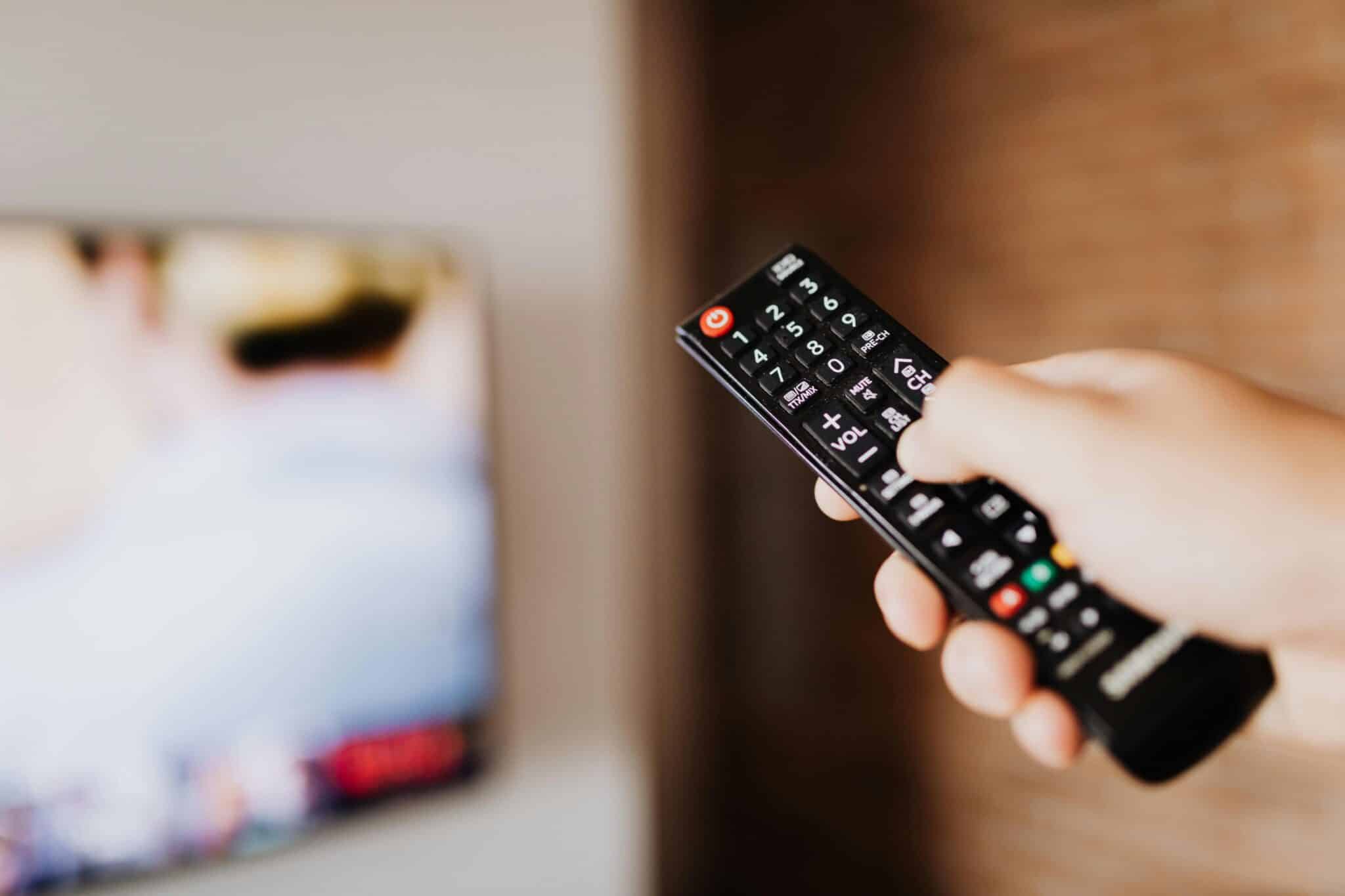
Transforming your smartphone into a comprehensive remote control delivers immediate practical benefits while positioning you at the forefront of smart home technology. The setup process requires minimal effort, and the convenience gains compound over time as you discover new applications and optimizations.
Start with basic entertainment control and gradually expand into whole-home integration as you become comfortable with the technology. Each device you add increases overall system value, creating synergies that amplify convenience beyond individual controls.
The investment is minimal—most quality universal remote apps are free or inexpensive, and many smartphones already include necessary hardware. Even if your phone lacks an IR blaster, affordable adapters provide this functionality for just a few dollars.
Don’t let uncertainty about technical complexity prevent you from experiencing these benefits. Modern apps prioritize user-friendliness, with guided setups that walk you through every step. Most users successfully configure their first device within minutes of app installation.
Your smartphone already serves countless purposes throughout each day. Adding remote control functionality simply maximizes the value of a device you already own and carry constantly. Why carry separate remotes when your phone delivers superior capability in a familiar, portable package?
Take the first step today by downloading a universal remote app and connecting just one device. Experience the convenience firsthand, and you’ll quickly understand why millions have already embraced this practical technology that simplifies modern living. 📲
