
Anúncios
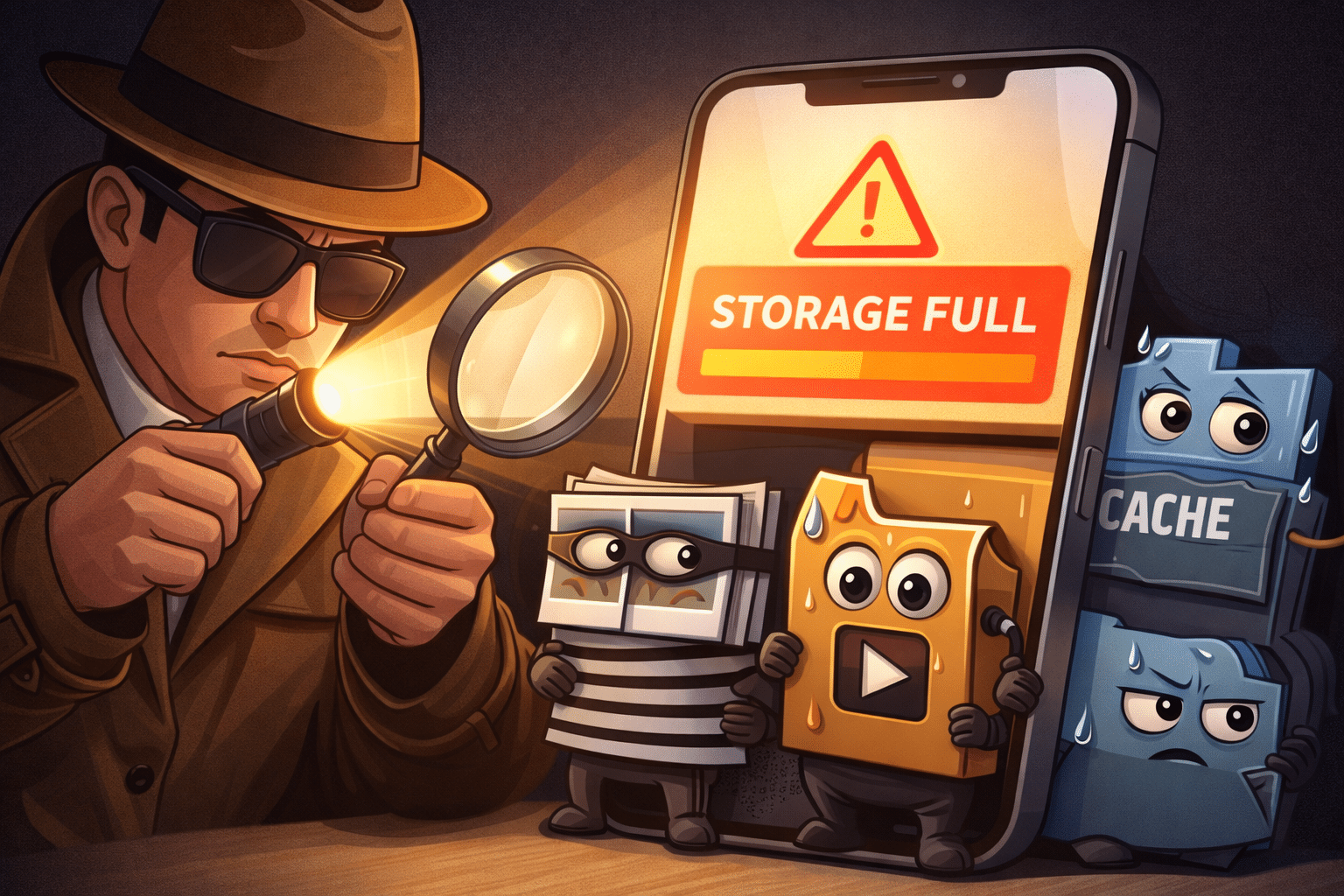
Running out of storage space on your phone can be frustrating, especially when you need to capture important moments or download essential apps. Let’s solve this problem together right now.



Every smartphone user faces this challenge eventually. Your device starts slowing down, apps refuse to update, and that dreaded “Storage Full” notification appears at the worst possible time. The good news? You don’t need to delete precious memories or uninstall your favorite apps to fix this issue.
Anúncios
Modern smartphones accumulate digital clutter faster than you might imagine. Cache files, duplicate photos, unused apps, and temporary data pile up silently in the background. Understanding what’s consuming your storage and knowing how to manage it effectively can transform your mobile experience completely.
🔍 Understanding What’s Actually Taking Up Your Phone’s Space
Before rushing to delete files randomly, it’s crucial to identify the real storage culprits. Most people assume photos and videos are the main problem, but the reality is often more complex.
Anúncios
System cache files represent one of the biggest hidden storage drains. Every app you use creates temporary files to speed up performance. Over time, these files accumulate to gigabytes of wasted space. Social media apps are particularly notorious for this behavior, storing cached images, videos, and data from every post you’ve scrolled past.
Duplicate files also consume valuable storage without you realizing it. When you download the same document multiple times, take similar photos, or receive identical files through messaging apps, your phone doesn’t automatically recognize and delete duplicates. These redundant files can easily occupy several gigabytes.
App data grows continuously even when you’re not actively using certain applications. Streaming services download content for offline viewing, messaging apps save media automatically, and games store large update files. This background accumulation happens invisibly until your storage is completely full.
📱 Quick Fixes That Make an Immediate Difference
Let’s start with solutions you can implement right now to free up significant space within minutes. These methods require no technical expertise and work on both Android and iOS devices.
Clear App Cache Without Losing Important Data
Clearing cache is the safest and fastest way to reclaim storage. Cache files are temporary and regenerate when needed, so deleting them won’t affect your app settings, login information, or personal data.
On Android devices, navigate to Settings → Storage → Cached Data, then tap to clear all cached files at once. For individual apps, go to Settings → Apps → Select the app → Storage → Clear Cache. This method can instantly free up anywhere from 500MB to several gigabytes depending on your usage patterns.
iPhone users should go to Settings → General → iPhone Storage. Wait for the system to analyze your storage, then review recommendations. iOS automatically manages cache more aggressively than Android, but you can still clear app data by offloading unused applications without losing their documents.
Remove Downloads You No Longer Need
The Downloads folder is often forgotten but frequently contains massive files. PDFs, installation files, documents, and images you downloaded weeks or months ago still occupy space unnecessarily.
Check your file manager or downloads folder regularly. Sort files by size to identify the biggest space consumers first. Most people discover they’re storing presentation files, old memes, or duplicate documents they completely forgot about.
🎯 Advanced Strategies for Maximum Space Liberation
Once you’ve implemented the quick fixes, these advanced strategies will help you maintain optimal storage long-term and free up even more space.
Optimize Your Photo and Video Library
Photos and videos genuinely consume significant storage, but you don’t have to delete precious memories. Smart management makes all the difference.
Enable cloud backup services like Google Photos, iCloud, or OneDrive. These services automatically upload your media to secure cloud storage, allowing you to remove local copies while keeping full access to your entire library. Google Photos offers free unlimited storage for high-quality photos, making it an excellent choice for Android users.
Delete screenshots and similar photos regularly. Most people accumulate hundreds of screenshots they’ll never need again. Review your gallery monthly and remove these temporary captures that served their immediate purpose but no longer add value.
Compress videos before sharing or storing them. Modern smartphones record in 4K resolution, creating enormous file sizes. Unless you’re editing professionally, compressed HD versions are virtually indistinguishable to the human eye and use significantly less space.
Manage Messaging App Media Intelligently
WhatsApp, Telegram, and similar messaging platforms automatically download every photo, video, and voice message sent to your chats. This default behavior rapidly consumes gigabytes of storage with content you may never view.
Disable automatic media downloads in your messaging app settings. Configure apps to download media only when you’re connected to WiFi, or better yet, only when you manually select specific files. This simple change prevents thousands of unwanted files from accumulating.
Periodically clear chat media for large group conversations. Group chats generate massive amounts of redundant media. Most messaging apps include built-in tools to view and delete media from specific conversations without losing the actual text messages.

🛠️ Using Professional Cleaning Tools for Optimal Results
Manual cleaning works well, but specialized applications can automate the process and identify storage waste you’d never find yourself. Professional cleaning tools scan your entire system, detect duplicates, analyze large files, and remove junk data with precision.
Cleaning apps like CCleaner and Phone Cleaner offer comprehensive storage management solutions. These applications analyze your device’s storage structure, identify unnecessary files across all categories, and provide one-tap cleaning options that safely remove gigabytes of clutter.
The advantage of professional tools lies in their ability to detect hidden system files, residual data from uninstalled apps, and app caches you can’t access manually. They also include duplicate file finders that compare file content rather than just names, ensuring genuine duplicates are identified accurately.
Regular scans with these tools—perhaps weekly or bi-weekly—prevent storage issues from developing in the first place. Many cleaning apps include scheduling features that automatically maintain your device without requiring constant manual intervention.
🎬 Dealing With Streaming App Downloads
Streaming services like Netflix, Spotify, and YouTube Premium allow offline downloads, which is convenient but can consume enormous storage if not managed properly.
Review downloaded content regularly and remove episodes or movies you’ve already watched. Most people download content for a specific trip or situation, then forget about it permanently. These files can easily accumulate to 10-20GB over time.
Adjust download quality settings to balance file size and viewing experience. Streaming apps typically default to high or maximum quality, but medium quality settings reduce file sizes by 50-70% with minimal noticeable difference on mobile screens.
Set automatic deletion preferences where available. Some streaming apps can automatically remove downloaded content after you’ve watched it or after a specified time period, maintaining your library without manual management.
📊 Understanding System Storage and OS Updates
Your phone’s operating system itself consumes significant storage, and this requirement grows with each update. Understanding system storage helps you make informed decisions about device capacity.
iOS and Android both reserve substantial space for the operating system, system apps, and update files. Recent versions typically require 10-15GB just for core system functionality. This is non-negotiable space that cannot be freed through cleaning.
System updates often download large installation files that remain on your device even after installation completes. Check for system update files in your storage management settings and delete completed installation packages that are no longer needed.
Some Android manufacturers include bloatware—pre-installed apps you didn’t choose and may never use. While you often can’t uninstall these completely, you can usually disable them, which prevents them from running and frees up some storage space.
🌟 Creating Sustainable Storage Management Habits
The best approach to storage management isn’t a one-time cleanup but rather developing consistent habits that prevent storage crises from occurring.
Implement a monthly digital cleaning routine. Set a calendar reminder to spend 15 minutes reviewing your storage, clearing cache, deleting unnecessary downloads, and removing old screenshots. This small investment prevents major storage problems.
Be selective about app installations. Before installing new apps, consider whether you genuinely need them or if a web-based alternative might suffice. Many services offer progressive web apps that function similarly to native apps without consuming permanent storage.
Monitor your storage levels proactively rather than reactively. Check your available storage weekly so you can address issues before they become urgent. Most smartphones can display storage widgets on your home screen for easy monitoring.
💾 When It’s Time to Consider Hardware Solutions
Sometimes software solutions reach their limits, and hardware upgrades become the practical answer to persistent storage problems.
For Android users with expandable storage, high-capacity microSD cards offer an affordable solution. Modern cards provide 128GB to 512GB of additional space at reasonable prices. Configure your phone to store photos, videos, and downloads directly to the SD card.
Cloud storage subscriptions provide virtually unlimited space for photos, videos, and documents. Services like Google One, iCloud+, and Microsoft 365 offer affordable monthly plans starting at just a few dollars for 100GB or more. This approach works across all devices and protects your data from device loss or damage.
If you’re consistently running out of storage despite good management practices, your next phone should prioritize higher base storage. The price difference between storage tiers is usually modest compared to the frustration of constantly managing limited space.
🚀 Maximizing Performance While Freeing Space
Storage management isn’t just about creating free space—it’s also about improving your device’s overall performance. Full storage directly impacts system speed and responsiveness.
Smartphones perform best when they have at least 10-15% free storage available. This breathing room allows the operating system to manage temporary files, perform updates, and cache data efficiently. When storage fills completely, performance degrades noticeably.
Regular cleaning also extends battery life. When storage is full, your phone works harder to manage files, search for space, and perform routine operations. This increased processing load drains battery faster than necessary.
Maintaining clean storage reduces app crashes and freezing. Applications need temporary space to operate properly. When no space is available, apps may crash, freeze, or refuse to open entirely, creating a frustrating user experience.
🎯 Your Action Plan Starting Today
You now have comprehensive knowledge to tackle storage problems effectively. The key is taking action immediately rather than waiting until your phone is completely full.
Start with the quick wins: clear all cached data, review and delete old downloads, and disable automatic media downloads in messaging apps. These three actions alone typically free several gigabytes within minutes.
Next, install a professional cleaning tool to automate ongoing maintenance and identify hidden storage waste. Configure it to perform regular scans so your device stays optimized without constant manual intervention.
Finally, establish your monthly maintenance routine and commit to it. Digital hygiene is just as important as physical organization, and 15 minutes monthly prevents hours of frustration dealing with full storage emergencies.
Remember that storage management is an ongoing process, not a one-time fix. Technology continuously generates new data, apps receive updates, and digital clutter accumulates naturally. The difference between frustrated users and satisfied ones isn’t avoiding storage consumption—it’s managing it proactively and intelligently.
Your phone should serve you efficiently without constant storage anxiety. With these strategies implemented, you’ll enjoy a faster, more responsive device with plenty of space for the content that truly matters. Take control of your storage today and experience the difference proper management makes in your daily mobile experience.
